Plan Outfits
Schedule an outfit for a specific date — work, a meeting, a trip, or the weekend. Plan ahead and you won't have to figure out what to wear in the morning.
How to plan an outfit
Open the Plan tab on the home screen.
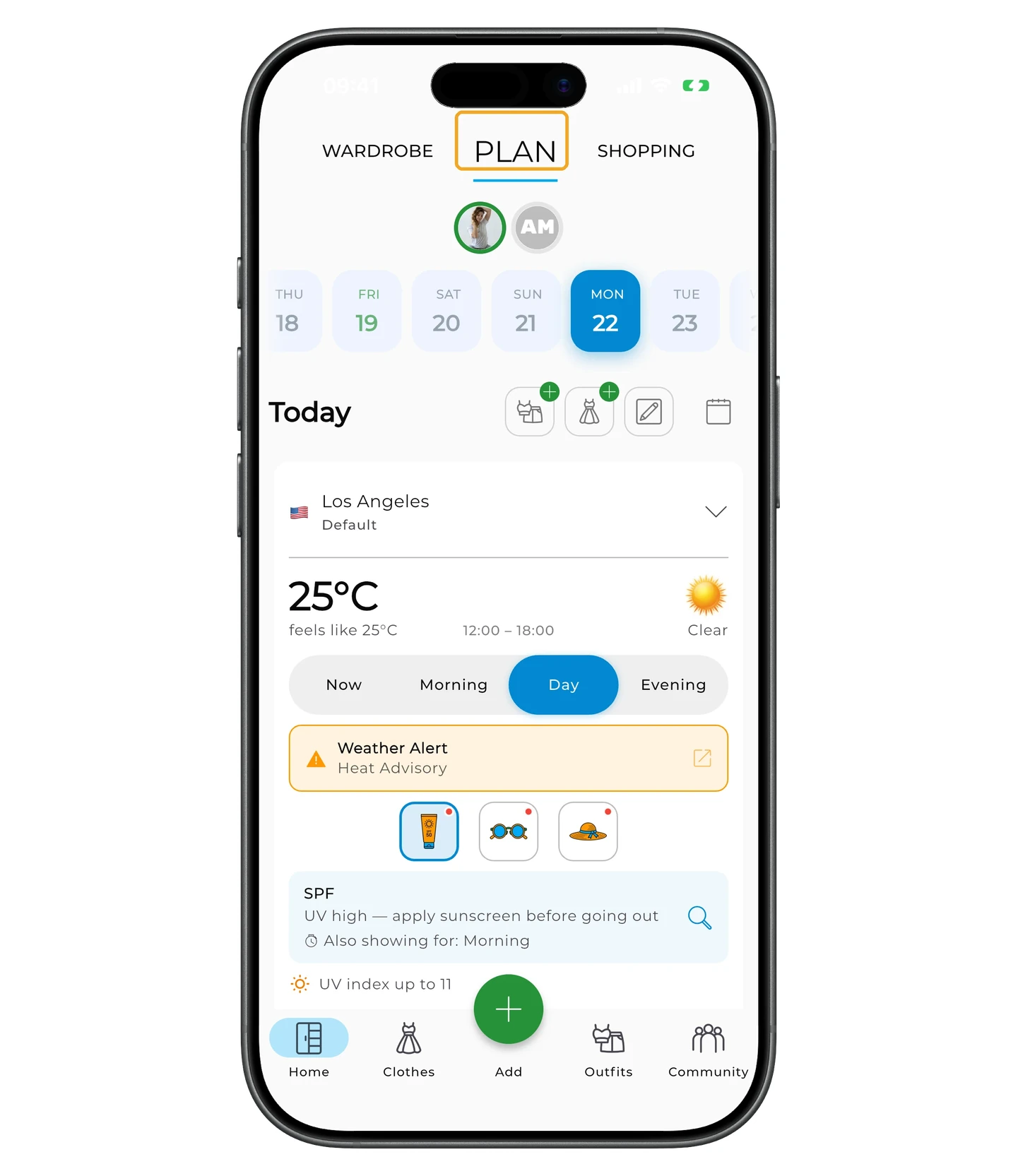
To add an outfit, tap the outfit icon with the +.
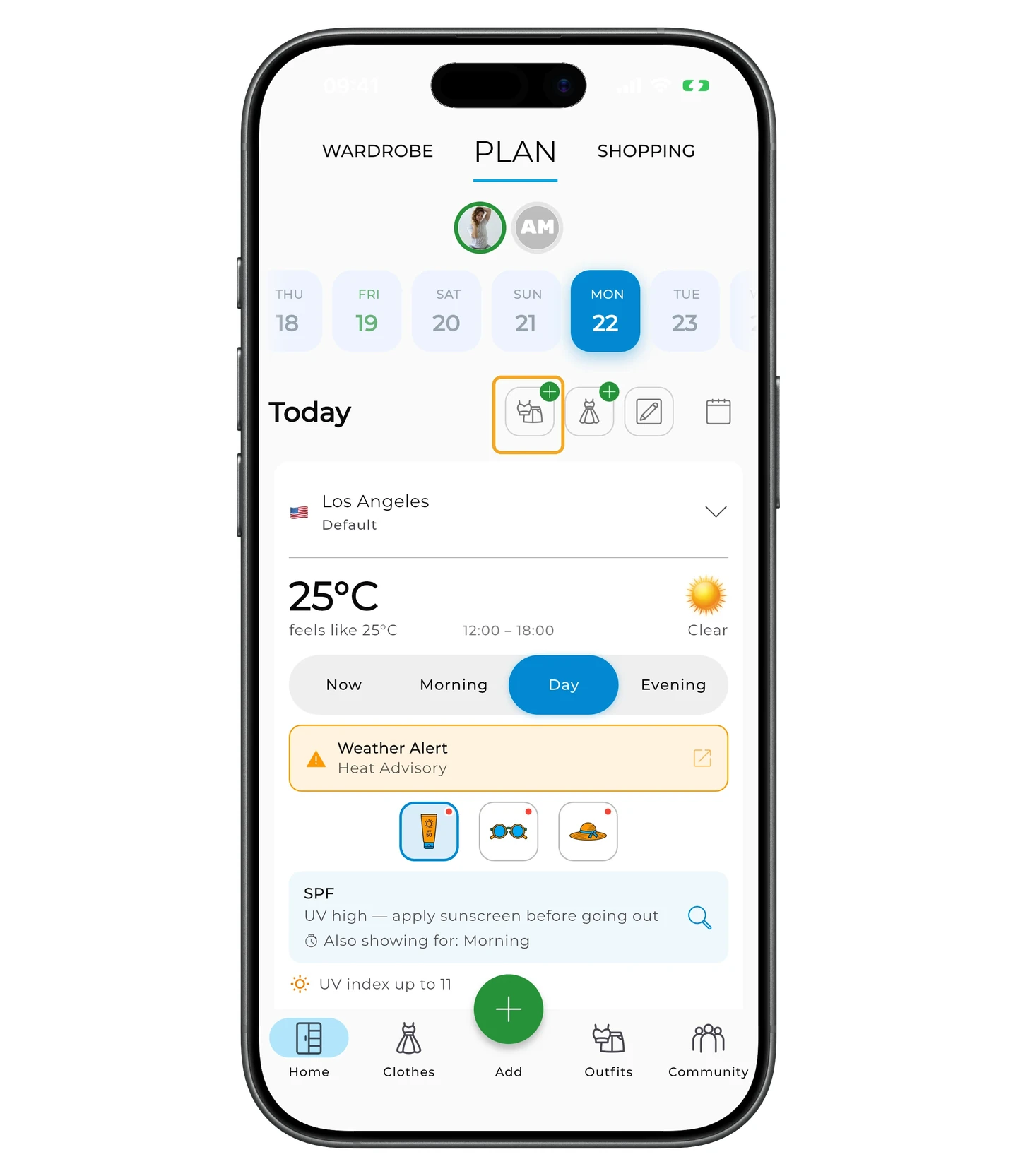
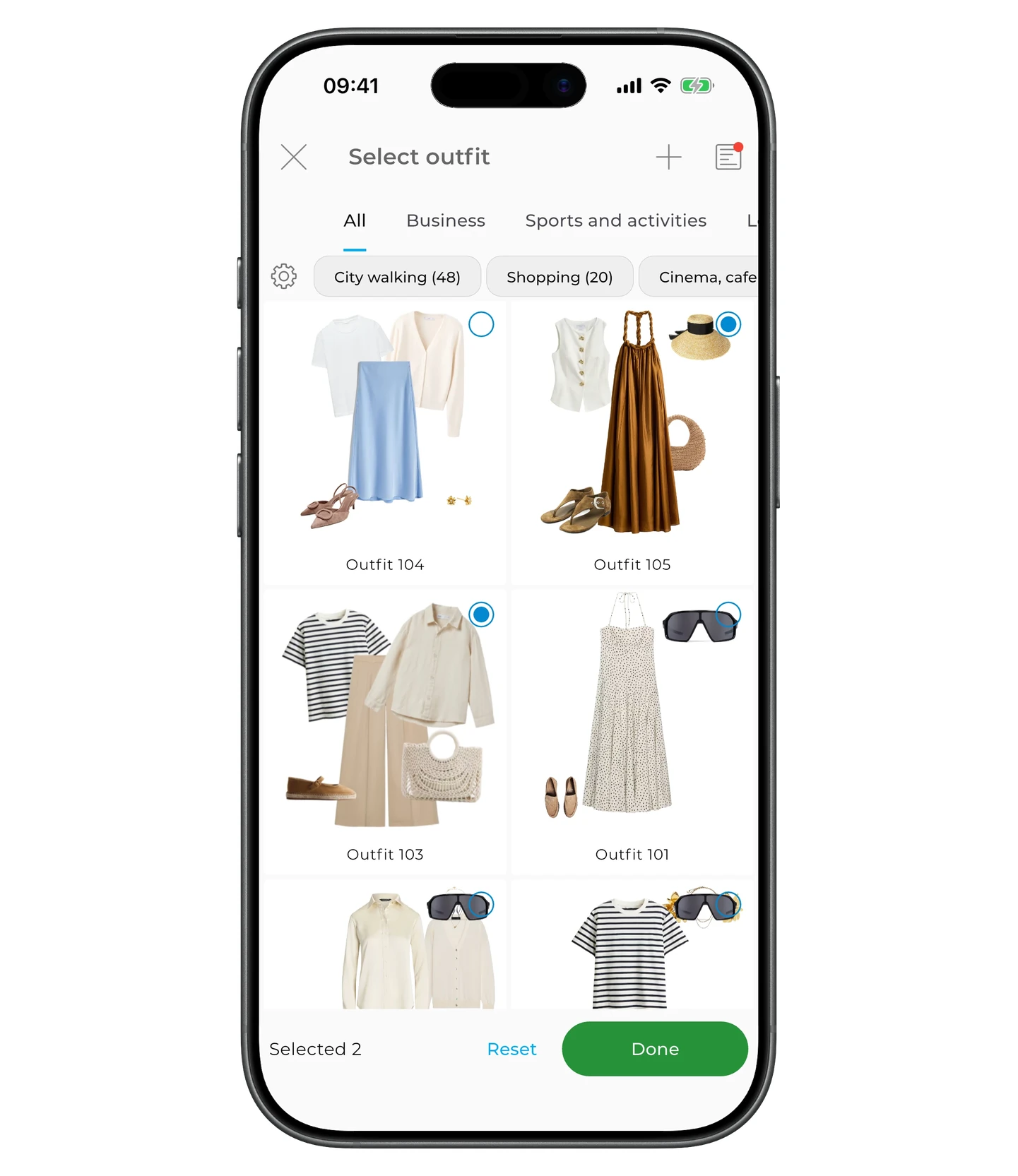
Pick an existing outfit or build a new one.
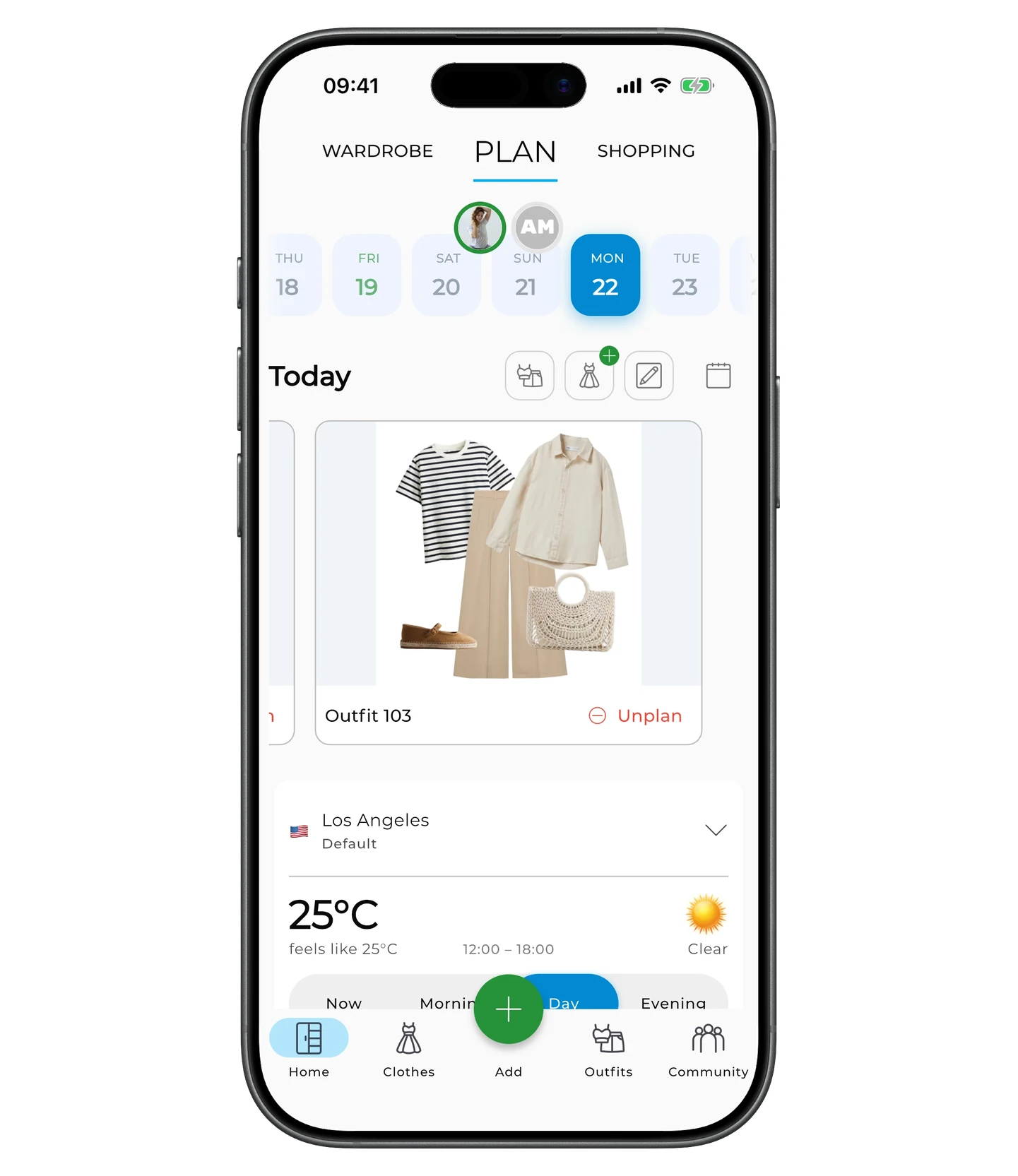
Once added, the outfit shows up on the chosen date.
You can add several outfits to the same day — for example, one for the workday and one for an evening event.
To unplan an outfit, tap Unplan under it.
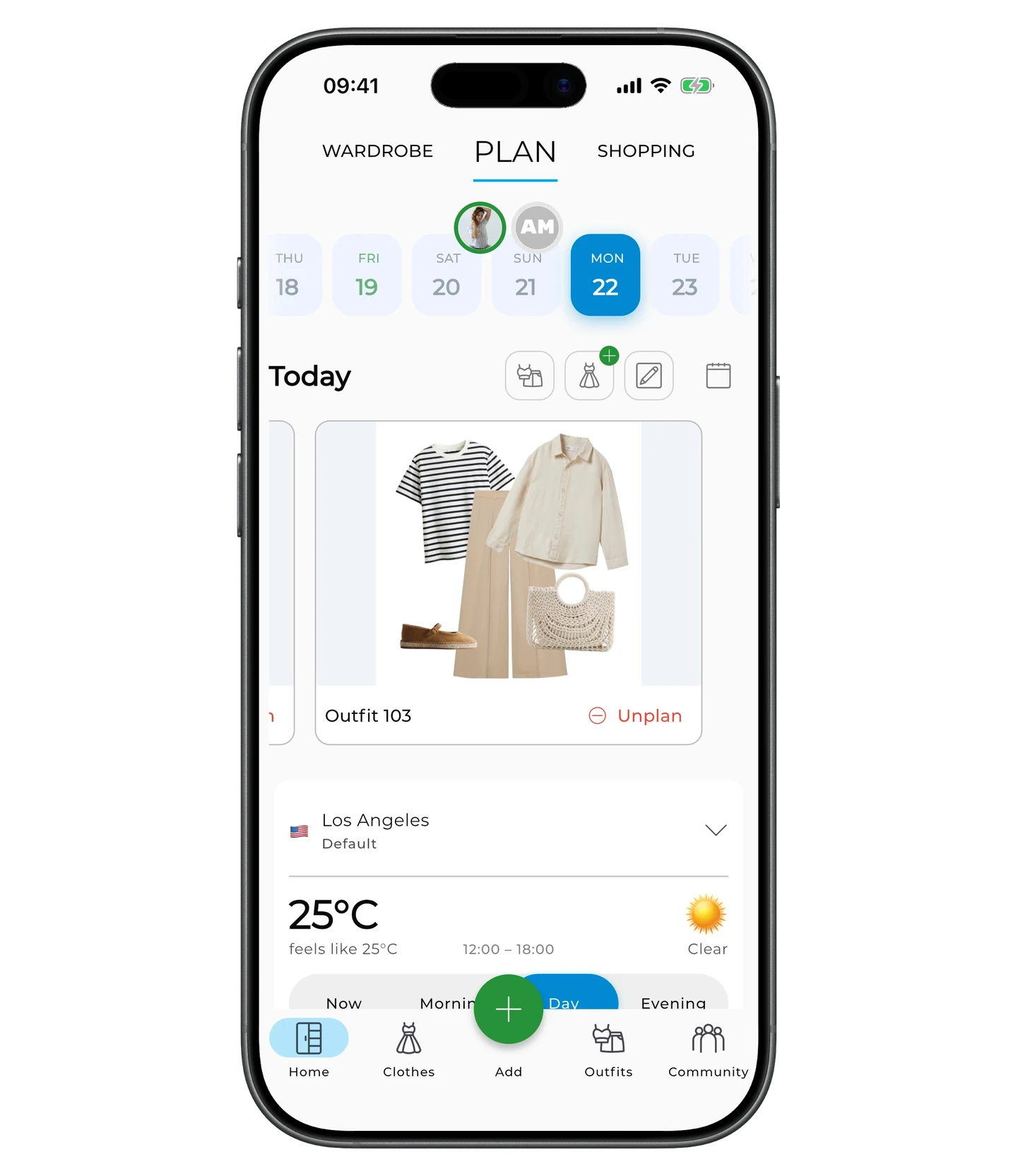
The Plan tab does more than this: it also covers planning individual items and notes, the weather forecast and matching outfit suggestions, device calendar sync, trips, and packing lists. See the full Planning article for details.
Need help?
Contact us at support@getwardrobe.com