Outfit Creation Basics
GetWardrobe offers four ways to create outfits. Each is best for a different goal: get several ready-made options with AI, build one outfit step by step, create one manually, or start with a single item and find matching pieces.
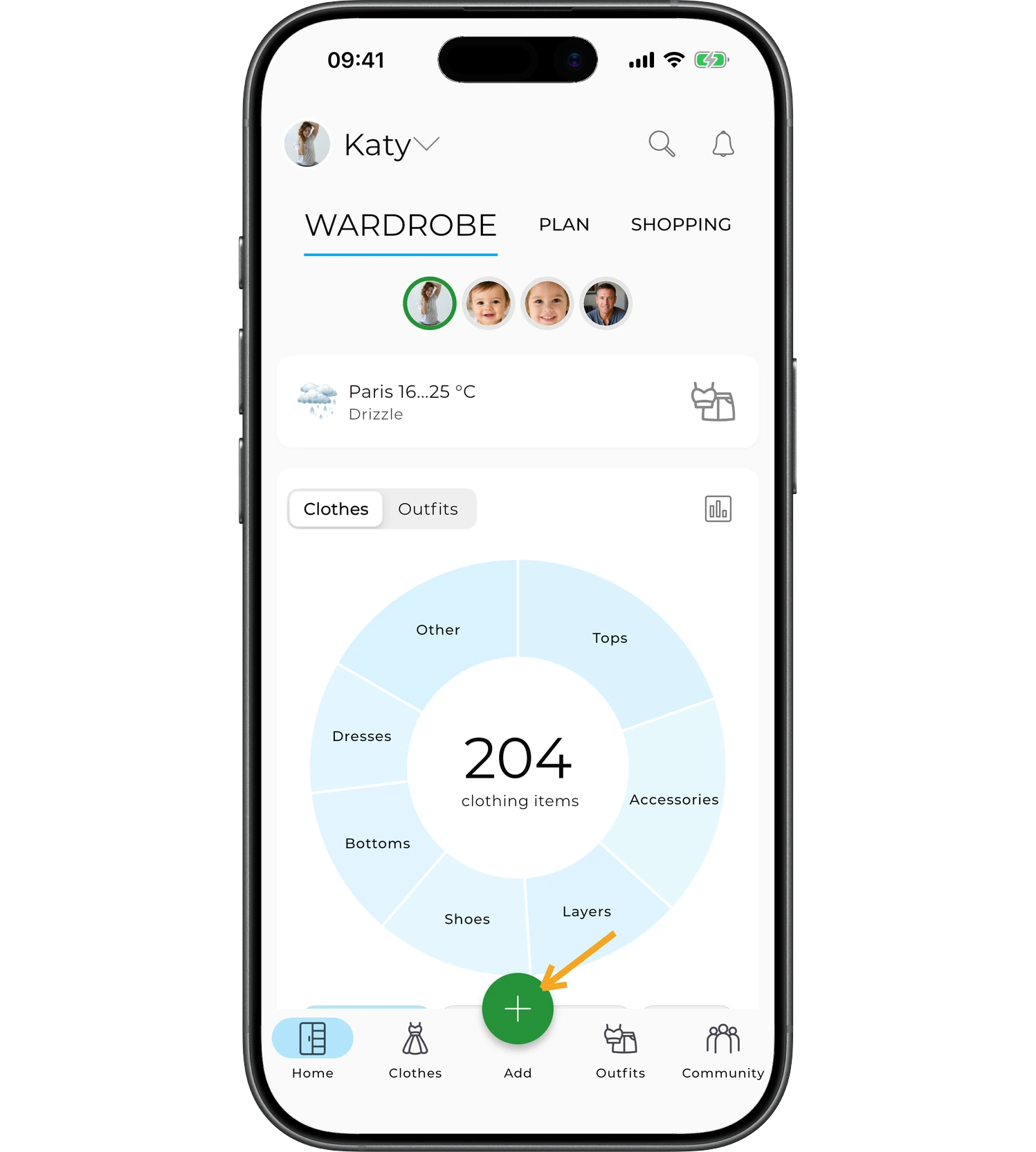
Tap the "+" icon at the bottom of the home screen.
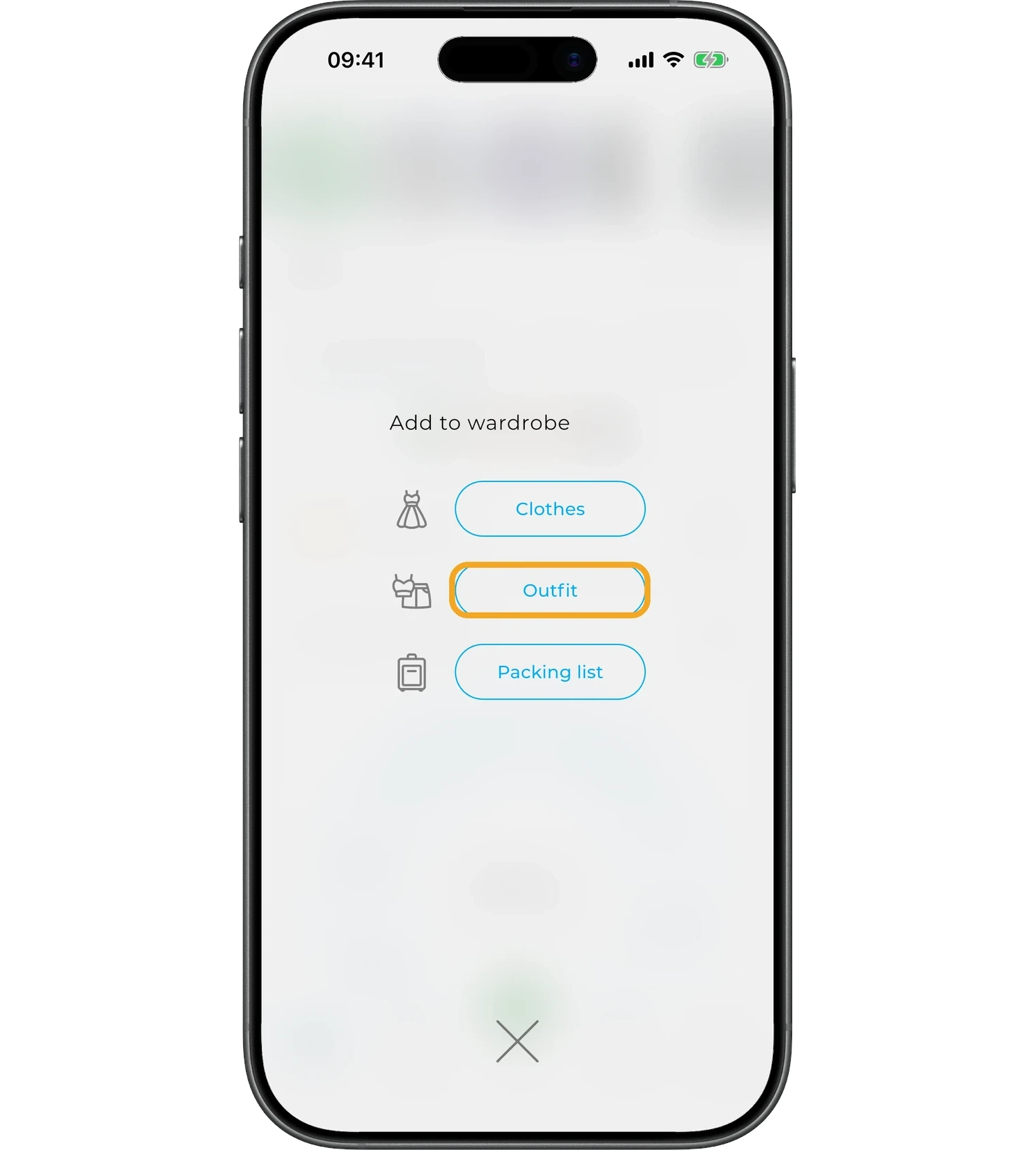
Select "Outfit".
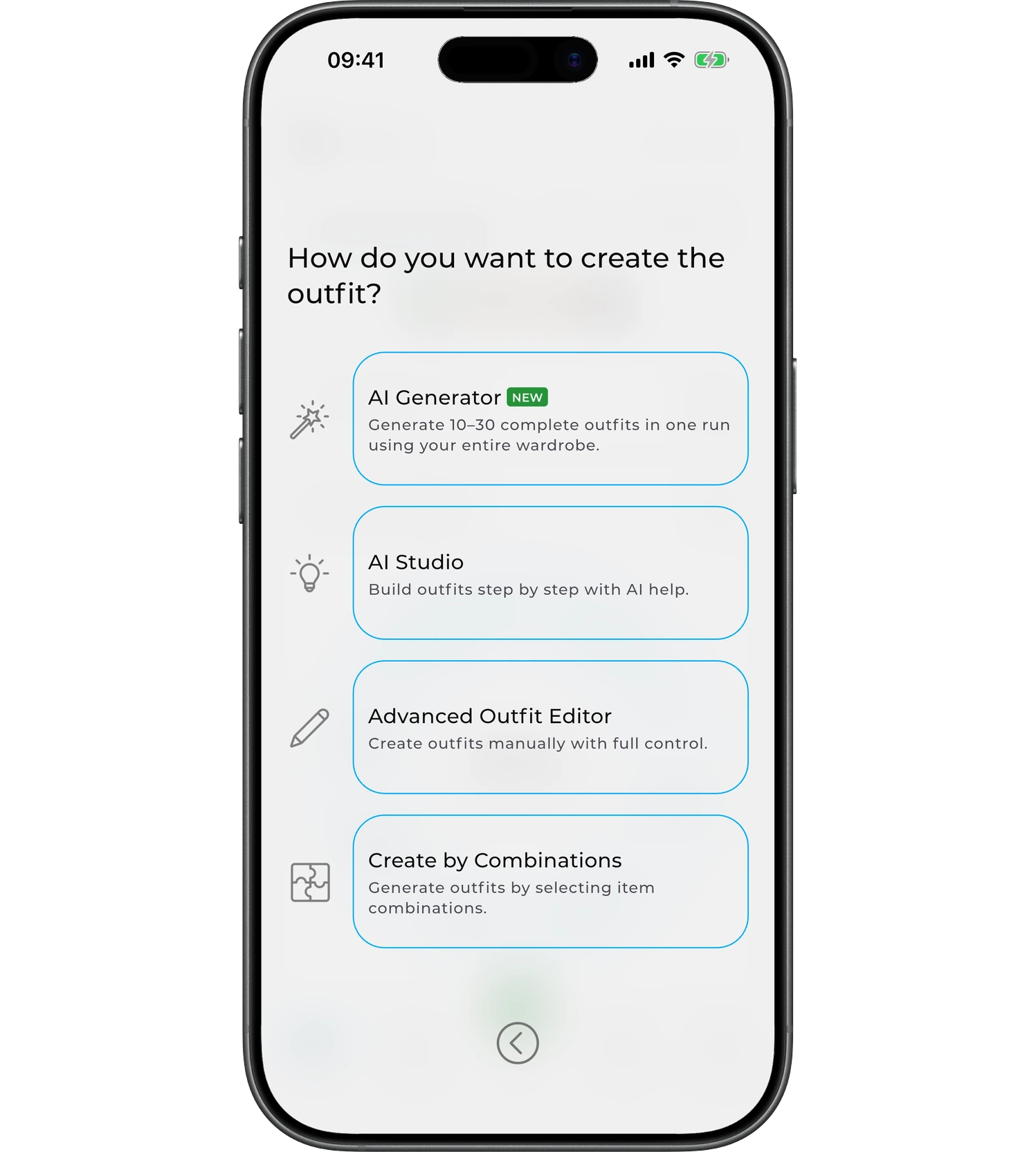
Choose how you'd like to create your outfit.
AI Generator Creates 10–30 outfits in a single generation based on the items in your wardrobe, the season, temperature, occasion, and your style preferences. Best when you want to quickly get several new ideas.
AI Studio Helps you build one outfit at a time and gradually refine it. You can start with a specific item, use filters, and swap individual pieces until the result is exactly what you want.
Outfit Editor Lets you assemble an outfit entirely by hand, without AI. You pick every item yourself, add new elements, resize them, move them around, and change their layer order. This method is best when you already know the outfit you want and want full control over the result.
Create by Combinations Start with a single item in your wardrobe and see which pieces go best with it. You can turn a combination you like into a full outfit right away.
Tip
If you already know which item you want to wear, press and hold it in your wardrobe, then choose "Create Outfit". AI Studio will build the outfit around that item.
Which method should you choose?
| If you want to… | Choose |
|---|---|
| Get several ready-made outfits at once | AI Generator |
| Build one outfit around a specific item | AI Studio |
| Create an outfit entirely on your own | Outfit Editor |
| Find items to match a single piece | Create by Combinations |
Creating an outfit manually
If you chose the Outfit Editor, first select the items you want to add to the outfit and tap "Done".
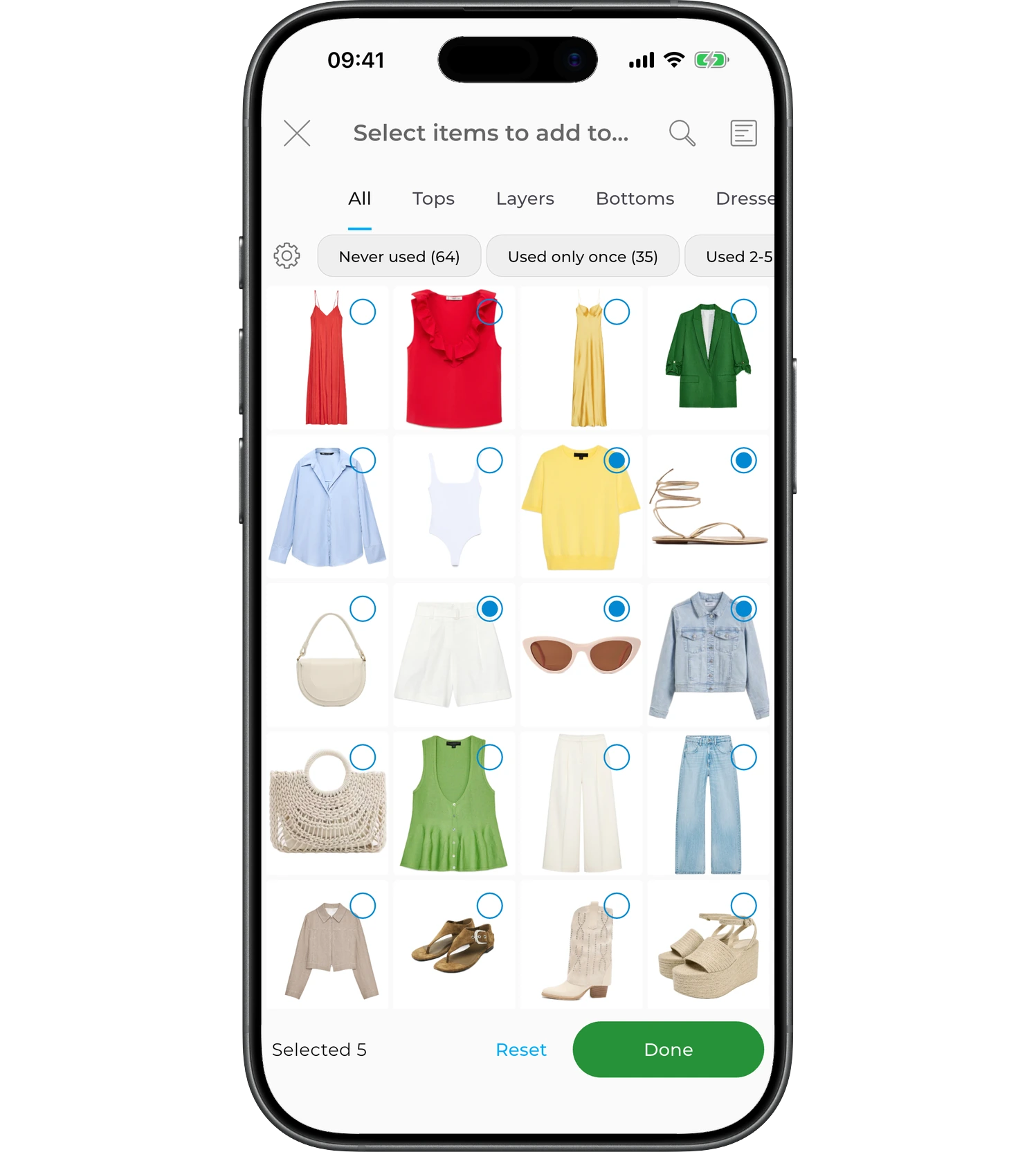
The Outfit Editor will open.
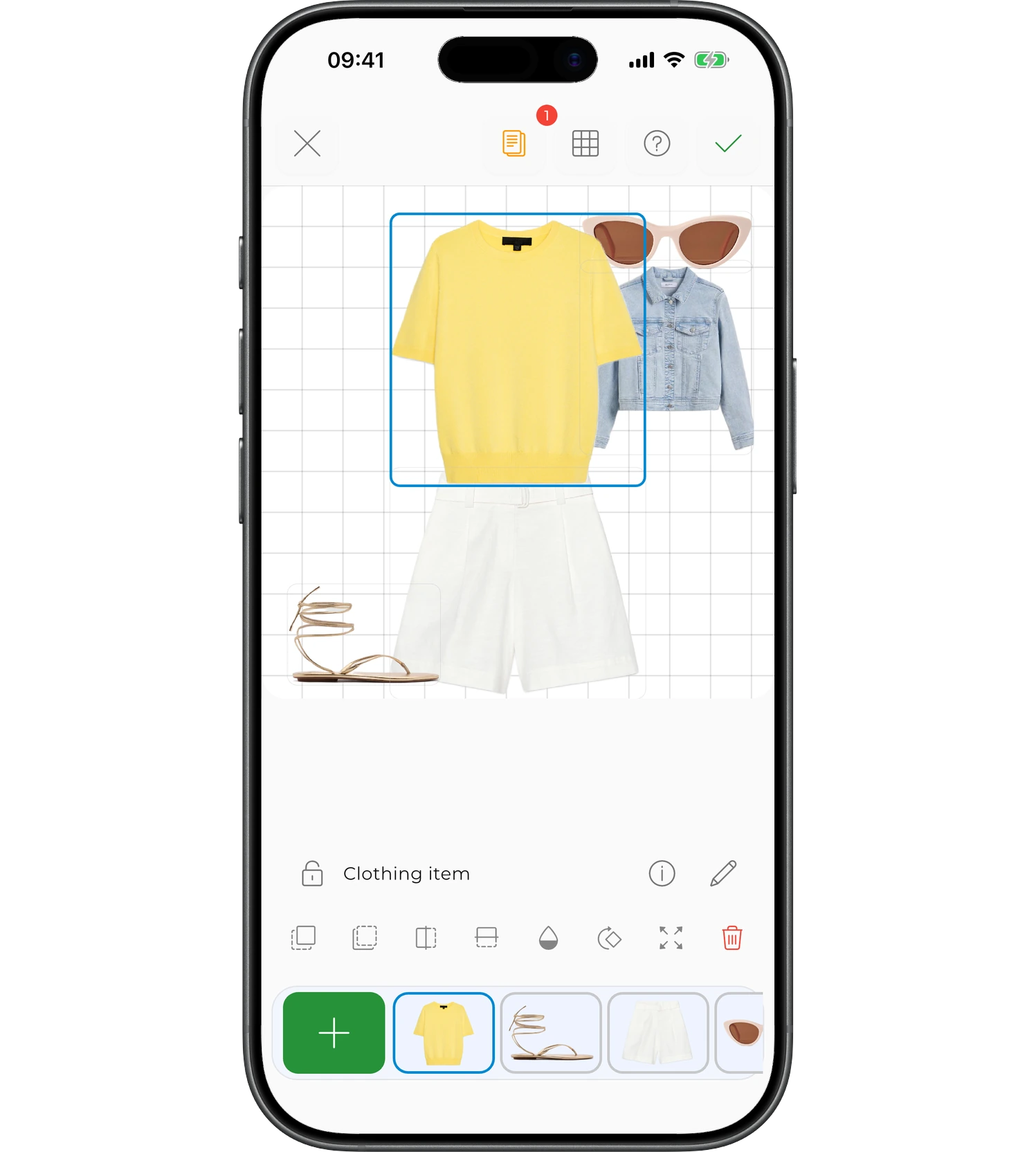
Here you can arrange the items, resize them, change their layer order, add new elements, and continue editing the outfit.
Learn more about each method
If you want to learn more about each method, open the related articles:
- AI Generator — create 10–30 outfits in a single run.
- AI Studio — build and refine one outfit step by step.
- Outfit Editor — create and edit outfits manually.
- Create by Combinations — find matches for a selected item.
FAQ
How many items do you need to create outfits?
It depends on the method. AI Studio needs at least 15 items, while AI Generator requires at least 30 items. If you have fewer, build an outfit manually in the Outfit Editor — just two items are enough — or explore combinations based on a single item.
Can you create an outfit with a specific item?
Yes. Press and hold an item in your wardrobe and choose "Create Outfit" — the outfit will be built around that item. You can also start with a selected item in AI Studio.
Need help?
Contact us at support@getwardrobe.com