Plan Items
Schedule individual items for a specific date — for example, accessories, shoes, or outerwear. Useful when you haven't built a full outfit yet but already know which pieces you want to wear.
How to plan items
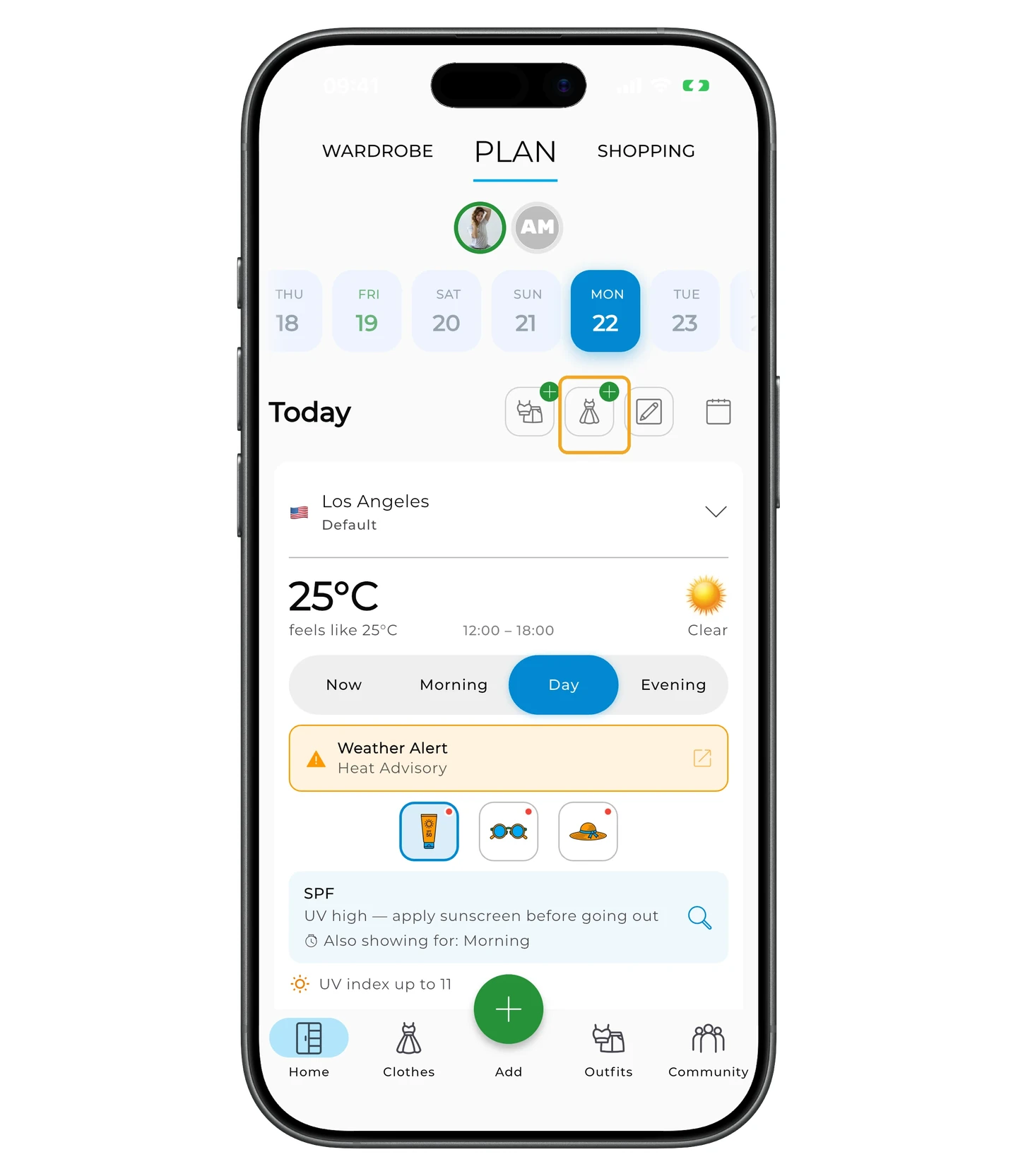
Open the Plan tab on the home screen and pick a date.
To plan individual items, tap the Item + icon.
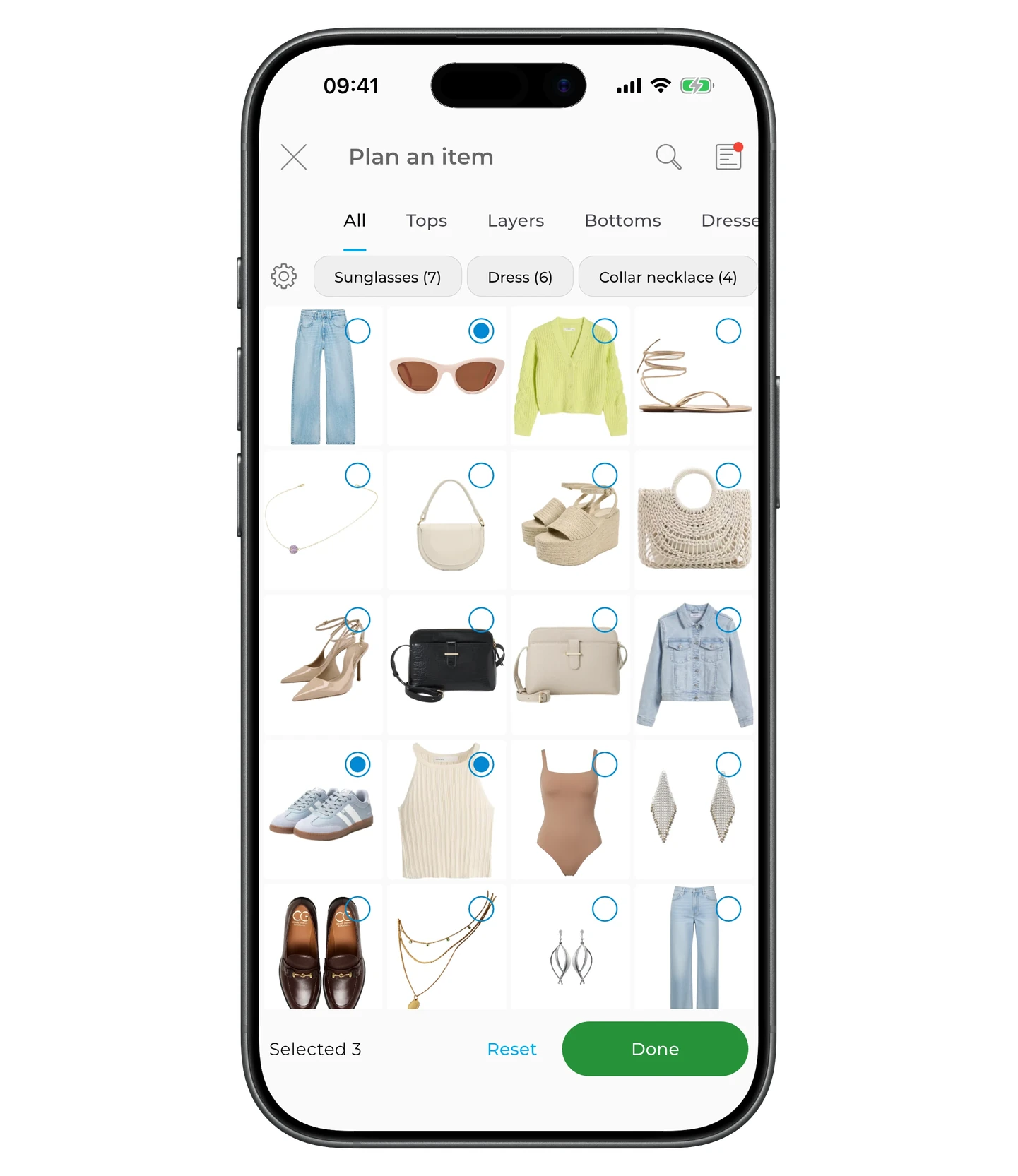
Pick the items and tap Done.
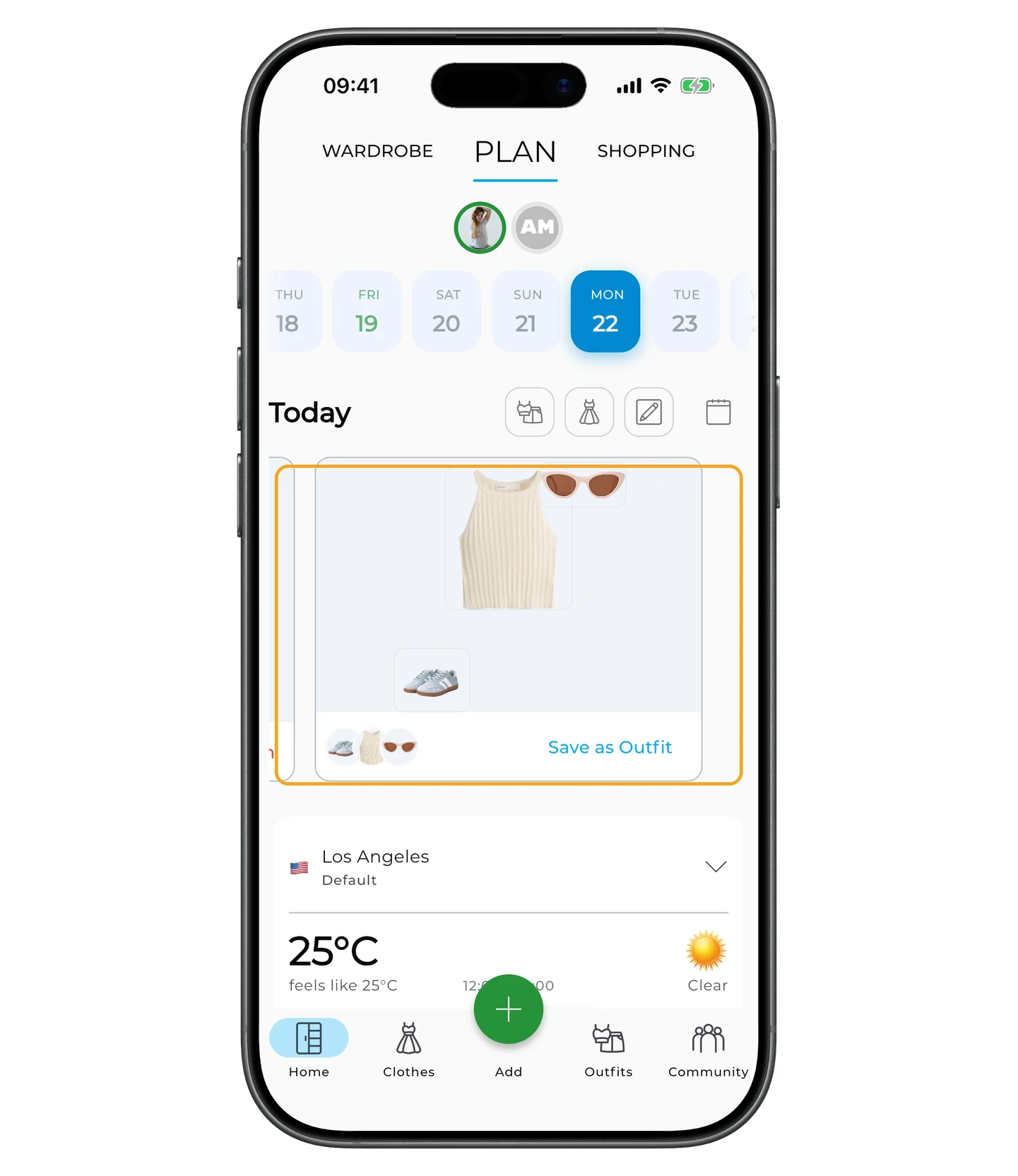
To unplan items, tap the planned-items area.
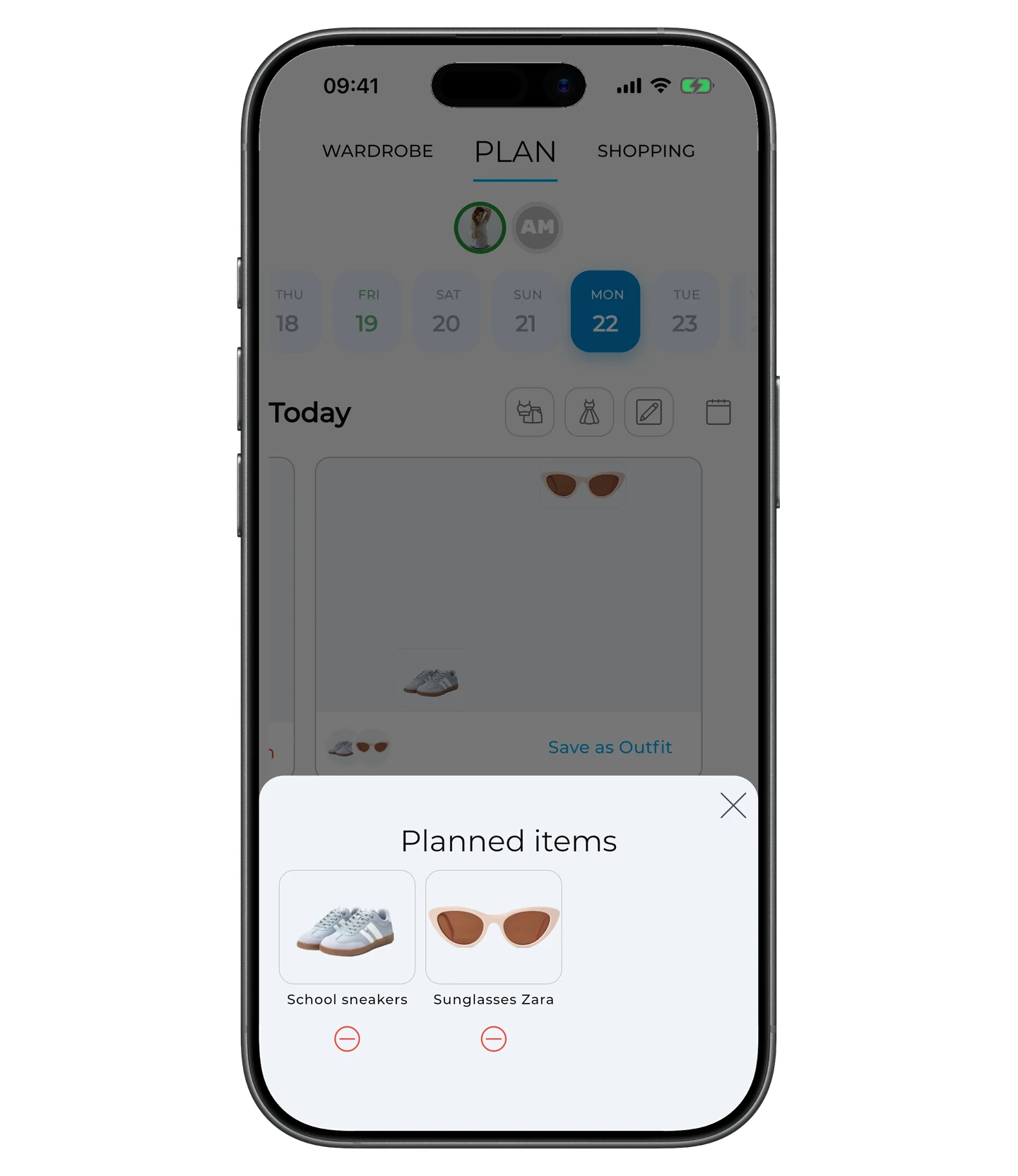
Then tap the ⊖ icon under an item to remove it from the plan.
The Plan tab does more than this: it also covers planning outfits and notes, the weather forecast and matching outfit suggestions, device calendar sync, trips, and packing lists. See the full Planning article for details.
Need help?
Contact us at support@getwardrobe.com